Before running Appoint Workers
Worker allocation is unlocked and the game offers a recommended appointment.
Windows + LDPlayer. Follow the current setup guide; account unlocks and game state determine eligibility. Read the setup guide.
Expected result and verification
Available workers are assigned through the game-recommended Appoint All flow.
Inspect the allocation result; do not interpret it as a building upgrade starting.
No available worker can be appointed
The recommended allocation is already satisfied
These are operating contracts, not an assertion that every account or branch has passed. An attempted interaction, a configured control and a verified run are different evidence.
What can need attention?
Unavailable workers or an unexpected allocation panel can prevent an eligible appointment.
- The destination or required control cannot be identified safely.
- A possible side effect cannot be reconciled.
- The bounded action or recovery deadline is exhausted.
- The observed state falls outside the released support contract.
See the actual configuration interface
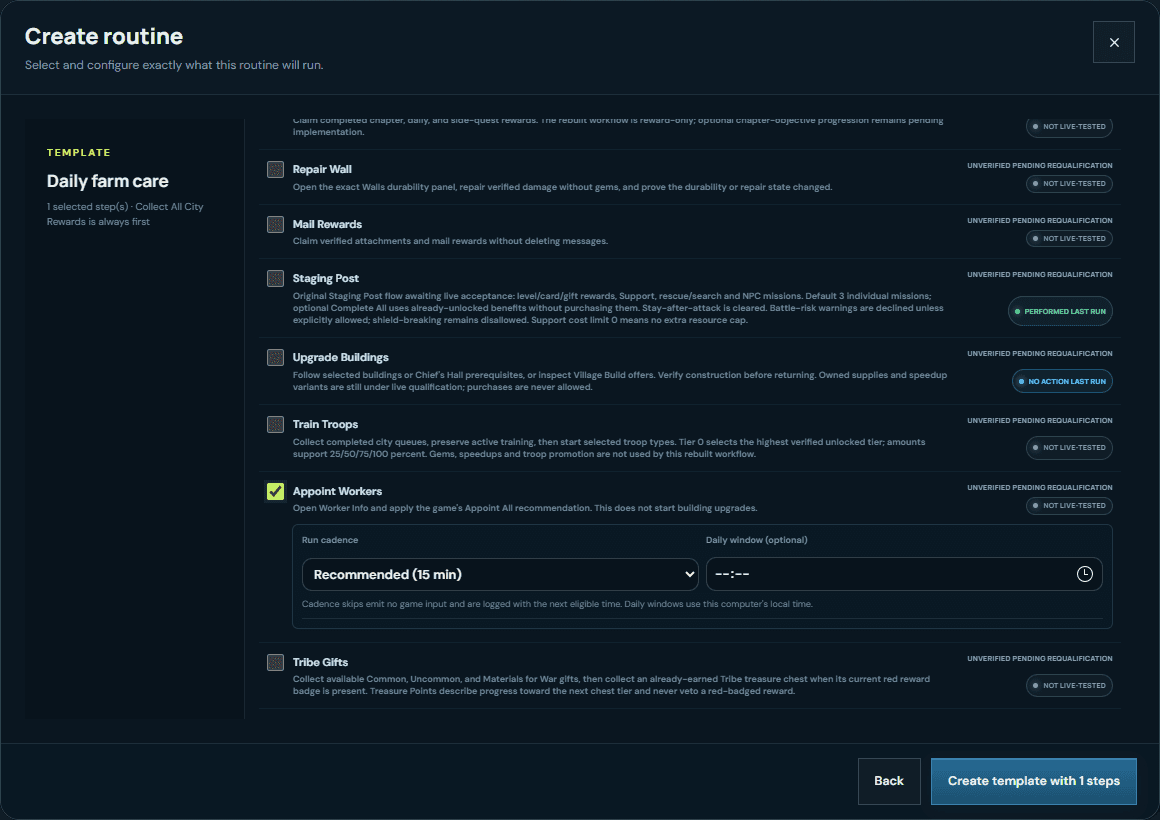
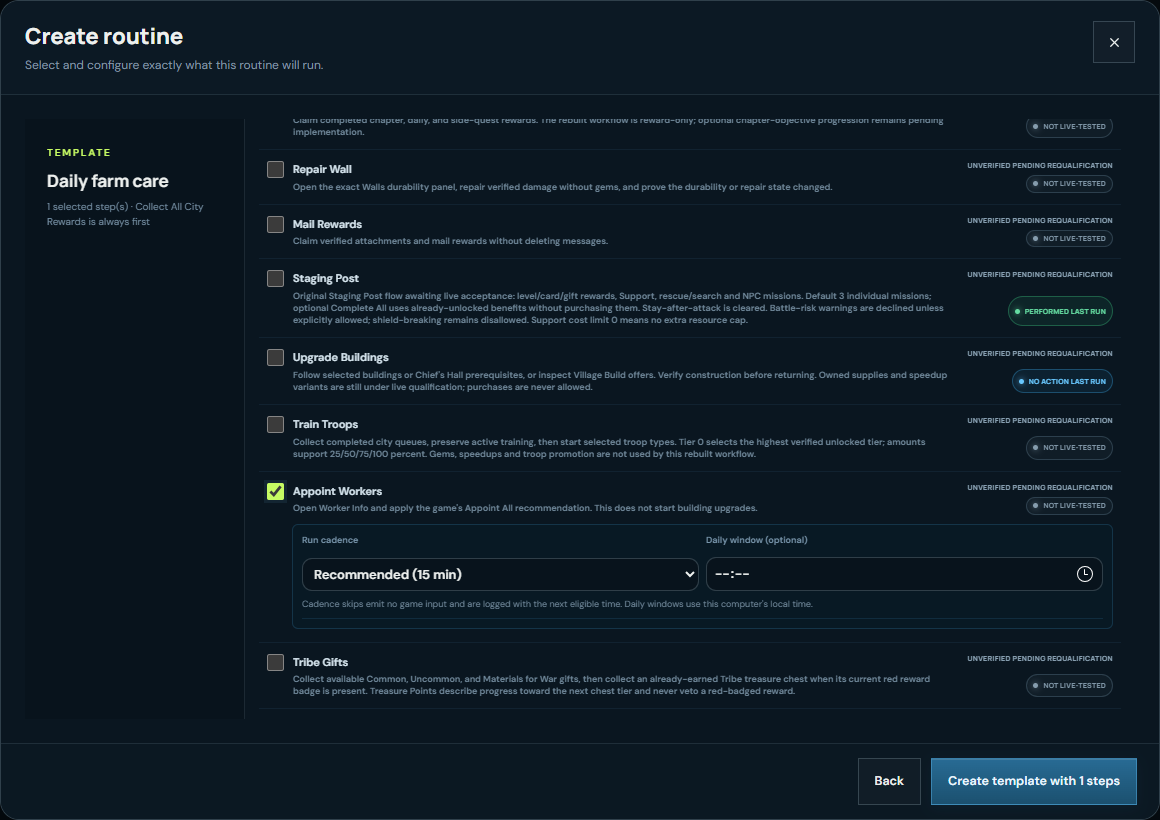
Play the recorded interface walkthrough
This demonstrates configuration controls, not the game action completing or reliability across farms.
No verified-success execution case is published in this guide. The interface recording is not being presented as one.
Question about this workflow
Will this start construction?
No. Allocation and upgrading are separate actions with separate settings.